
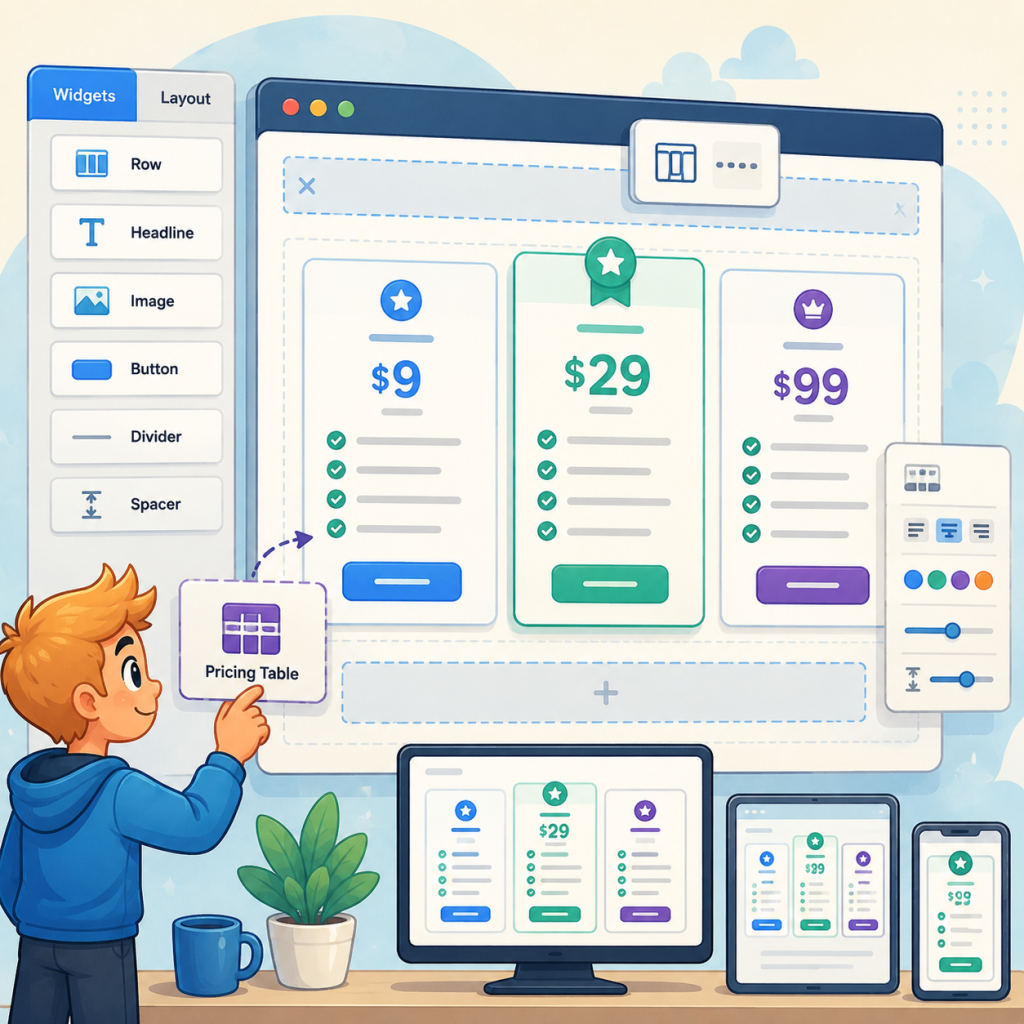
There are two free ways to build a proper pricing table in SiteOrigin Page Builder: the stock Price Table widget or the Zen Addons design gallery. This guide walks through both, with honest tradeoffs and five rules that make any pricing table convert.
Your pricing page is the one page on your site that directly asks for money. And if you build with SiteOrigin Page Builder, you’ve probably stared at it thinking: this table works, but it doesn’t look like the pricing pages I see on sites I trust.
Good news: you don’t need to switch builders, and you don’t need to spend anything. There are two free ways to build a proper pricing table inside SiteOrigin, and I’ll walk you through both, including where each one falls short. I build SiteOrigin widgets for a living, so I’ll tell you up front that one of these is ours.
Way 1: the stock Price Table widget
The SiteOrigin Widgets Bundle ships with a Price Table widget, and if you’ve never turned it on, that’s your first stop. Go to Plugins, then SiteOrigin Widgets, find Price Table, and activate it. It now shows up in Page Builder’s widget picker.
Building with it is straightforward. Add the widget to a row, click Add to create your first column, and fill in the title, subtitle, and price. Each column takes a list of features, and there’s a Featured setting that visually lifts one column above the others, which is exactly where your recommended plan belongs. Columns can be duplicated with one click, so build your first column completely, then duplicate and edit. It’s much faster than building each from scratch.
Now the honest part. The stock widget is structurally solid but visually plain. It offers a theme selector with a small set of looks, and if none of them match your site, you’re writing custom CSS. There’s nothing wrong with that if you enjoy CSS. Most people building a pricing page on a Tuesday night do not.
Way 2: the Zen Addons Pricing Table
This is the one we make, so weigh my opinion accordingly. Zen Addons for SiteOrigin Page Builder is a free plugin that adds 36 widgets to the SiteOrigin builder, and its Pricing Table was built specifically to close the styling gap: plans side by side, a features list per plan, a highlighted featured tier, and a call-to-action button on every column.
The part that saves you the CSS evening is the Browse designs button inside the widget. It opens a visual gallery of ready-made pricing table designs, you click the one that fits your site, and the widget restyles itself. Six designs are free, and they cover the common cases: clean card, accent header, minimal outline, each in two color treatments. No settings archaeology, no inspector, no child theme.
Install it like any plugin (search “Zen Addons SiteOrigin” in Plugins, then Add New), and the widgets appear under their own ZASO Widgets tab in the Page Builder picker. The Pricing Table sits there next to the rest.
Five rules for a pricing table that converts, whichever widget you use
The widget is the easy half. The content is where pricing pages are won, and the same five rules apply to both widgets above.
Keep it to three columns if you can. Every plan you add past three splits attention and adds decision fatigue, and nearly every pricing page you admire already follows the rule. Feature the middle or second-highest plan, because an unfeatured table asks visitors to do the comparison work you should have done for them. Write the same verb on every button, “Get Started” beats a different clever phrase per column. Put the billing period right next to the price, because a $39 that turns out to be per month feels like a trap, and trapped visitors leave. And list features as outcomes people recognize, not internal jargon: “5 sites” is a feature, “multi-instance license provisioning” is a support ticket.
When you outgrow the free options
At some point a pricing page wants a monthly and annual toggle, a “Popular” ribbon, or a feature comparison grid, and that’s the point of Zen Addons Pro, which extends the same free widget in place. But be suspicious of anyone who tells you that you need the paid tier on day one. You don’t. Both free routes above will carry a real business’s pricing page just fine, and the free version keeps working forever no matter what.
Build it with the stock widget if you’re comfortable in CSS and want zero extra plugins. Build it with Zen Addons if you want to pick a finished design and move on with your evening. Either way, the pricing page stops being the page you avoid.